
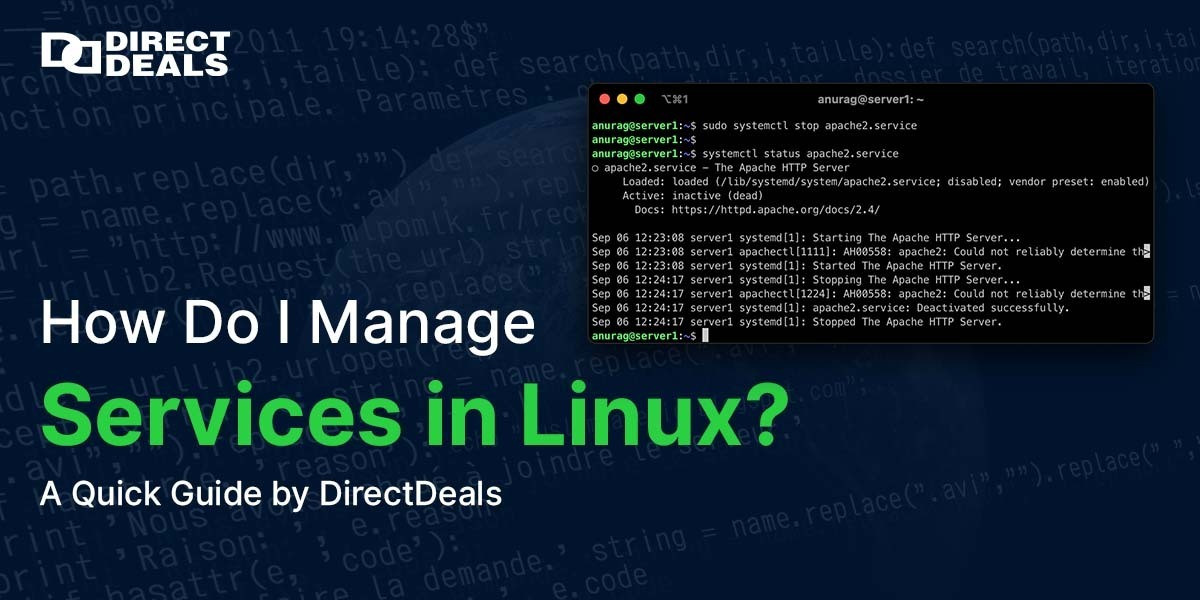
Managing services in Linux is a fundamental task for system administrators, developers, and IT professionals. Whether you’re running a personal project or managing a corporate server, understanding how to control services is key to a stable and secure system.With 27+ years of trust, DirectDeals is not only your go to source for premium software and server licenses but also a resource hub for essential tech know-how. In this blog, we’ll break down the basics of Linux service management for beginners and pros alike.
What Is a Service in Linux?
A service in Linux is a program or process that runs in the background to handle system tasks like networking, file sharing, printing, or database management.
Examples include:
-
Apache (web server)
-
SSH (remote login)
-
MySQL (database)
These services are typically managed by systemd, which replaced older init systems in most modern Linux distributions like Ubuntu, CentOS, Fedora, and Debian.
How to Manage Services in Linux?
Here are some essential systemctl commands used to manage services on Linux systems:
1. Check the Status of a Service
Replaces apache2 with your specific service name.
2. Start a Service
3. Stop a Service
4. Restart a Service
5. Enable a Service at Boot
6. Disable a Service from Starting at Boot
7. List All Active Services
8. Reload a Service Without Restarting
Common Troubleshooting Tips
-
If a service fails to start, use journalctl xe to inspect detailed logs.
-
Ensure the service is installed before attempting to manage it.
-
Use ps aux | grep servicename if unsure whether the service is running.
Conclusion
Linux service management may seem technical, but with the power of systemctl commands, it becomes straightforward. Whether you're starting a new web server or managing a complex Linux environment, mastering these commands enhances your productivity and system control.At DirectDeals, we aim to make your tech experience smoother not just with licensed software and deals but also with helpful tech insights. With 27+years of trust, we continue to empower IT professionals and business owners every day.
Contact DirectDeals
Need reliable software, server licenses, or IT tools?
Get in touch with DirectDeals today:
Email: sales@directdeals.com
Phone: +1-800-983-2471
Website: www.directdeals.com
Let us help you find the right tech solution backed by decades of experience and customer trust.